
Ever had deliveries delayed or drivers confused about their route? That’s the kind of chaos a modern fleet dispatch system is meant to prevent. Dispatch management is like the air-traffic control for trucks and vans – it’s the behind-the-scenes engine that assigns jobs to drivers, plans routes, and keeps everything on schedule. In practice, dispatch management software coordinates drivers and orders so packages and services get to the right place at the right time. As one logistics expert explains, it’s responsible for “coordinating and managing the movement of orders from one location to another,” including planning, scheduling, monitoring and assigning drivers to each task. In other words, dispatch management is the silent command center that turns a fleet of vehicles into a smoothly-running delivery or service operation.
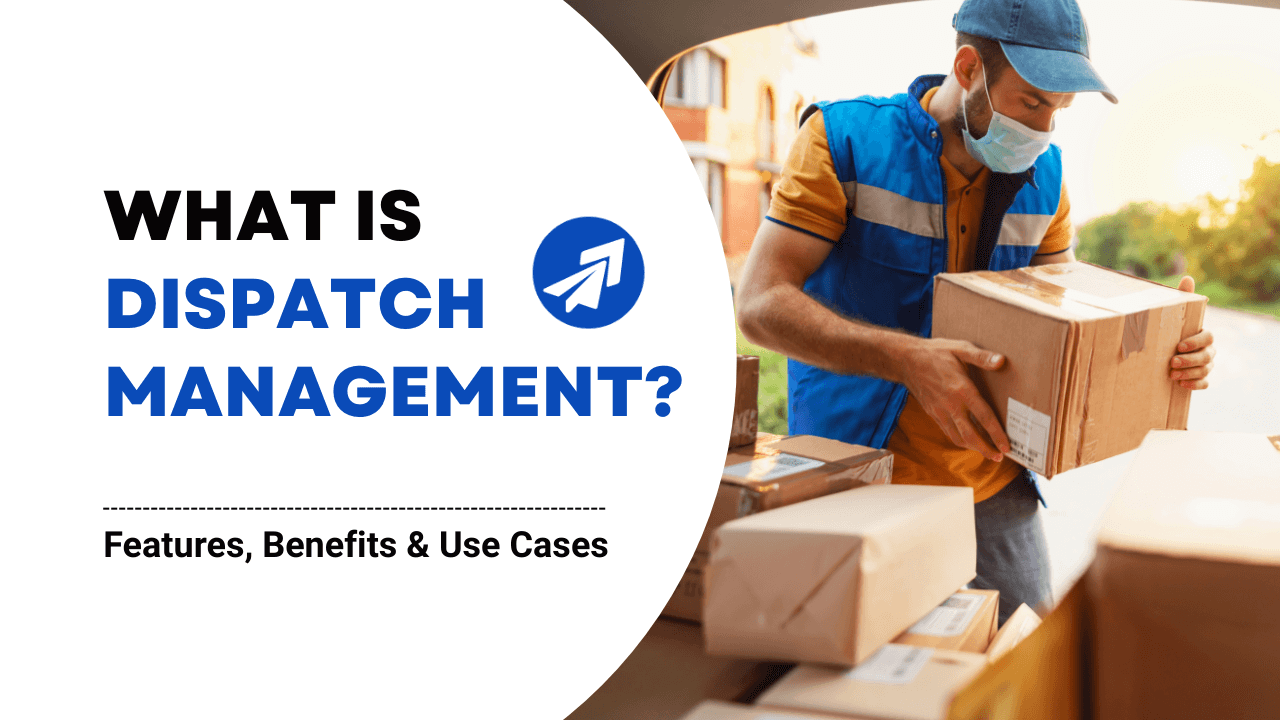
imagine a courier at the door (pictured above) being guided by a dispatcher who has already mapped the fastest route, alerted the customer, and is tracking the driver in real time. That’s dispatch management at work. It’s what matches drivers to orders (like an air traffic controller matching pilots to runways) and keeps everyone informed. In fact, one industry article sums it up simply: dispatching means “matching up your resources to your orders,” or assigning drivers to routes and stops so everything runs on time.
What Is Dispatch Management?
At its core, dispatch management is the process of assigning tasks or orders to vehicles and drivers, and then tracking those vehicles until the job is done. It covers everything from the moment a dispatcher plans which driver will do a delivery, to guiding that driver along the optimal route, to confirming the job’s completion. In fields like logistics, utilities, or emergency services, dispatching is crucial. For example, in emergency services dispatch, an ambulance call is processed, the nearest ambulance is assigned, and a clear route is sent – all in seconds. Likewise, in delivery and ride-sharing fleets, dispatch managers ensure each order finds a driver and that the driver knows where and how to get there.
In simpler terms, dispatch management is the brain of fleet operations. It answers questions like “Who should do this job?”, “What’s the best route?”, and “Where is each driver right now?” without managers having to pick up the phone for every detail. By automating these decisions, dispatch software makes fleet operations faster and more reliable. As one blog explains, automated dispatch management plays a vital role in the success of delivery operations by “coordinating and managing the movement of orders” – essentially matching orders to drivers in a way that optimizes time and cost. You can think of it as turning your fleet into a well-synchronized team: dispatch software schedules each player (driver) and gives them a playbook (route and tasks), then tracks them in real time so nothing falls through the cracks.
Core Features of a Dispatch Management System
Modern dispatch management software typically includes a set of core features that make life easier for fleet managers and drivers. These features automate and optimize the dispatch process:
Task Assignment & Scheduling:
The system automatically assigns orders to the best-suited drivers based on factors like vehicle capacity, driver availability, and priority. It can even pre-schedule or reschedule tasks. For example, if a new urgent order comes in or a driver calls out sick, the software will reshuffle assignments so no job is missed. Many dispatch platforms perform a “capacity analysis” to match orders to available drivers and will reassign orders as needed. This means dispatchers don’t have to micromanage schedules by phone – the software handles it, lowering errors and saving time.
Route Optimization:
Instead of using handwritten route sheets or Google Maps, the dispatch system uses algorithms to find the fastest routes. It factors in things like traffic, distance, and delivery windows to plot an efficient path. In fact, a typical system “leverages advanced algorithms and analytics to optimize routes so as to suggest the shortest and most efficient route for delivery”. In practice, this could mean reordering up to 100 delivery stops automatically. The result is usually far shorter driving distances and times – which saves fuel and money and helps drivers hit all their stops on time.
Real-Time Vehicle Tracking:
The dispatch dashboard shows exactly where every driver and vehicle is on a map, updated live via GPS. Dispatchers can see each vehicle’s current location, speed and status at a glance. This “bird’s-eye view” of the fleet provides full visibility. For instance, one guide notes that real-time tracking gives dispatchers a centralized dashboard where they “can view which order is in progress, total riders available… and track delivery vehicles in real-time”. With that, managers immediately spot delays or detours, and can share live ETAs with customers.
Alerts & Notifications:
Dispatch systems send instant alerts for key events. Typical alerts include geofence triggers (e.g. “Vehicle 5 has arrived at Warehouse B”), speeding or harsh driving warnings, and task updates like “Delivery delayed” or “Job complete”. When something changes – say a traffic jam ahead – the software can notify dispatchers and drivers instantly. For example, one dispatch solution advertises that it will send alerts for failed deliveries, last-minute customer requests, and other exceptions so managers can “spot potential exceptions” early and react quickly.
Driver Communication:
Most platforms include a mobile driver app or messaging feature. Drivers see their assigned tasks on the app (often with maps and customer info), and they can communicate back with dispatchers via chat or status updates. This keeps everyone on the same page. For example, a “Rider App” feature might include an in-app chatbox so drivers can ask questions (like “Which stop first?”) without calling the office. The app often also lets drivers upload Digital Proof of Delivery (POD) – such as a signature photo – directly into the system. This means customers get instant confirmation that their order arrived, and dispatchers have an automatic record of completion.
Flexible Scheduling:
If plans change – a driver runs late or a last-minute order pops up – dispatch software makes it easy to pivot. It will automatically re-route drivers and update schedules on-the-fly. For example, the software’s Capacity Analysis feature automatically “reschedules orders in case there is a shortage of human resources”. In other words, if someone calls in sick, the system will shuffle jobs among the remaining drivers and notify everyone of the new plan. This kind of agility is hard to do manually.
Reporting & Analytics:
Underneath the dispatch dashboard are data and reports. Managers can quickly pull up reports on metrics like on-time delivery rate, driver performance, fuel usage, and missed stops. This data helps spot bottlenecks. For example, dispatch software can show which drivers are on time most often, or which routes have frequent delays. Having this data at your fingertips makes continuous improvement easier – you can fix the problems instead of letting them repeat.
Each of these features works together. In a well-integrated dispatch system, assigning a task triggers route planning, which triggers notifications and live tracking, all updated automatically. The end result: drivers stay focused on driving, not paperwork or phone calls, and dispatchers get a real-time overview so they know exactly what’s happening in the field.
0 Comments
No comments yet. Be the first to comment!
Please to post a comment