
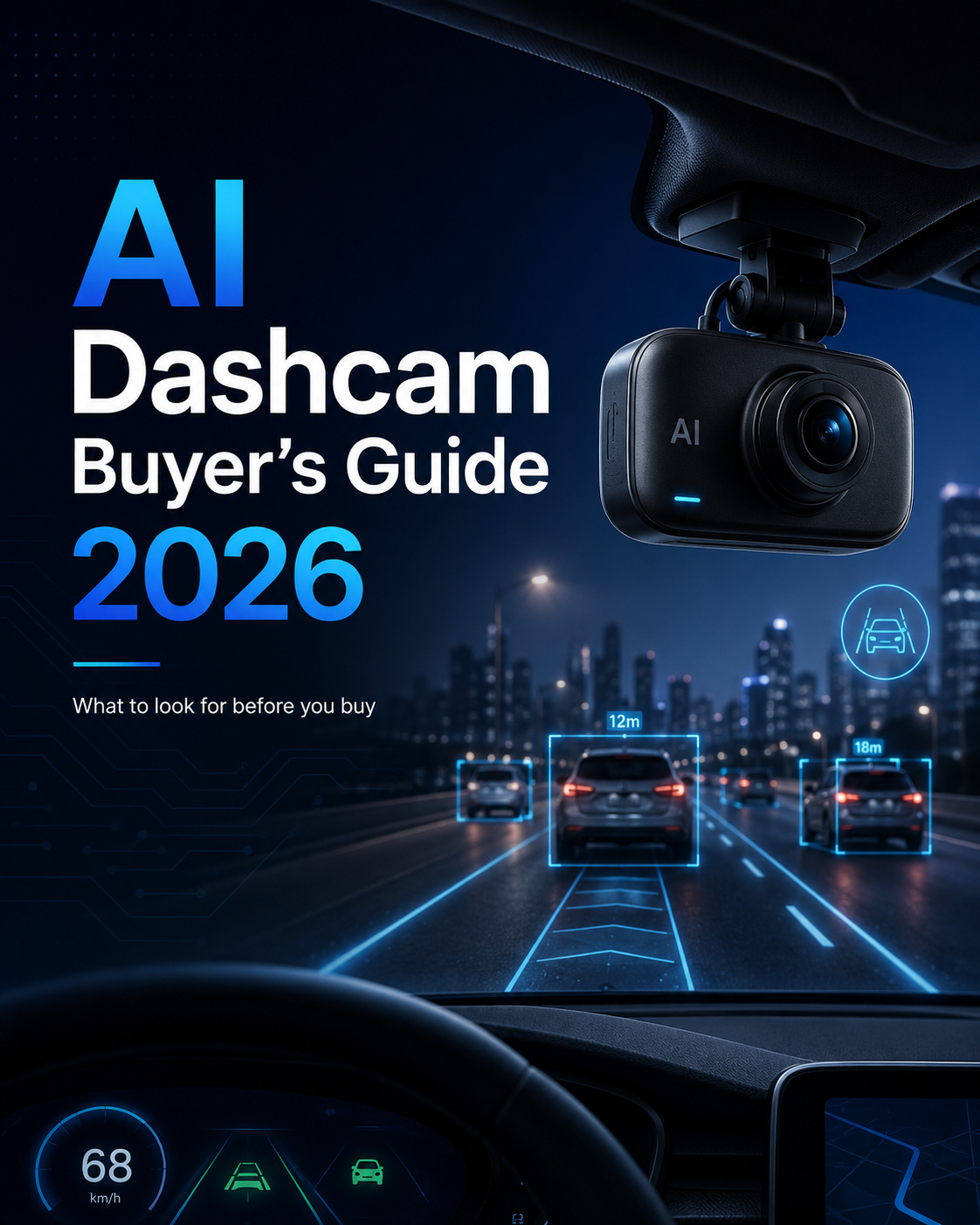
The AI dashcam is a camera that can not only record video but also analyze it on the spot to warn the driver if they are doing something dangerous, such as speeding, failing to signal, or failing to stop at a stoplight. Choose the type of camera, AI detections and processing that matches your highest risk to safety, factor in the total contract cost, and make sure your drivers will be willing to accept the camera. The best system is one that has the features that you actually need to address your actual risks, and not the most extensive set of features!
Last updated: June 2026.
Key takeaways
- Begin with the largest risk, and then select the camera and detections to match.
- With dual-facing cameras, the driver is monitored while with a single-facing, the road is covered.
- Make the monthly headline comparisons but compare TOTAL cost over the term of contract.
- Audit detection and privacy controls and test prior to scaling;
This guide is based on our main video telematics and AI dashcams guide. Start there, if you don't know the subject, then use this to select.
When Selecting an AI dashcam, here are some things to look out for.
You should expect AI detections that match your risks, appropriate camera positioning, real-time in-cab alerts, edge processing for greater speed, stringent privacy protections and fleet integration. Those are six ways that make a useful system into a worthwhile system that doesn't cost too much and isn't sitting idle.
The basics to test:
- Detection, which is suitable to your risk. Fatigue, distraction, using your cellphone, tailgating, lane departure.
- Camera configuration. Dual Road Driver or Road.
- Real-time in-cab alerts. Drivers just determine an attitude at the moment.
- Edge processing. The camera also has AI capabilities, warning the user of potential scenarios.
- Privacy controls. Recordings that can be triggered by an event, restrictions on access to recordings, options for retaining recordings.
- Integration. Incorporation of tracking, driver and alert systems.
A camera that works well on these is better for you than a camera based on price or resolution alone.
Single-Facing vs Dual-Facing: Which is the one that you need?
Single facing cameras are designed so that they only see the road and dual facing cameras are designed to see the road and driver in one ball of glass. Dual-facing will capture what's happening in the cab both when it's going forwards or backwards, but it comes with the price tag of having a transparent privacy policy. Single facing is easier, less sensitive but with no view of the driver.
| — | Both sides of the vehicle are equipped with a camera. | Two camera's on the car's side (road + driver). |
| Data is recorded for roads: | Yes | Yes |
| Records driver's name? | No | Yes |
| Does not pay attention to others' distraction/fatigue | Yes | No |
| In a not-at-fault crash: | Partial | Full |
| The policy needs to be clear | Lower | Higher, needs a clear policy |
Decision guidance: Single facing – mainly road evidence, low risk fleet. For many trucking, delivery and passenger services, consider dual-facing in case driver behaviour and coaching are important. Dual facing's gaining traction in the industry as more fleets take advantage of the opportunities it offers for driver coaching and its associated insurance benefits, but keep in mind that there's a risk profile and insurance company out there that needs to be met—the one you're working with—and do not simply assume it's the same as everyone else.
What are the features AI Detection tools look for?
The most effective are the ones that pick up on a true risk in your fleet: driver facing – fatigue, distraction, phone; road facing – tailgating, lane departure, forward collision. There are better ways to do it, and it's better to have a short feature list with a bunch of detections than to have a long feature list without any detections.
DMS detections of: Drowsy, Distracted, Using a phone, Smoking and No seatbelt. Road facing (ADAS) detections to look for: Forward collision warning, tailgating / headway warning and lane departure warning. Compare these with your incident history, that you can view in your driver management data.
Use of simple decision support system on the camera: (Guidance not rules)
- If you have a lot of trouble paying attention or getting tired, use driver facing DMS.
- Rear end/following distance risk – strong road facing ADAS first.
- The importance of evidence of claims and incidents → emphasis on reliable evidence of the road and evidence of the context of the incident.
- Consider dual facing, if it is in line with your privacy policy and requirements, when applying full safety coverage.
ADAS vs DMS: What Is the Difference?
Road-facing, ADAS (Advanced Driver Assistance Systems) warn the driver of potential hazards in the external environment like tailgating, lane departure and forward collisions. DMS (Driver Monitoring Systems) are driver-centric and are designed to detect in-cab activities, such as distracted driving, phone use and fatigue. Many fleets will have both in combination for complete coverage.
- AEB (pedestrian ahead) Let the pedestrian in front know that the vehicle is approaching them.
- DMS (driver facing) — The driver is in the cab. Distraction, phone use, drowsiness, not wearing a seat belt
The decision rule: When the incidents come from the outside of the cab, the two cameras are the ADAS cameras, when the incidents come from the driver's behaviour the two cameras are the DMS cameras, when both, the two cameras are both in front.
Edge Processing vs Cloud: What's the difference?
Quickness is important for it. The AI is in the camera, and will be processed through edge processing, which will allow the camera to warn the driver in real time. Context is added by cloud processing, but this process is too slow to prevent an incident occurring. The majority of strong systems are using edge to be alertable and cloud to be reviewed.
The golden rule: If you want to see the alerts right before your eyes in your cab, you want to have edge processing – and if you want to be alerted by a safety system, then you want them in real-time. If they do lose connectivity as a good edge system should detect it and alert offline, and upload the flagged clips when they are reconnected. This is used to how fleet alerts are delivered to your team.
What to expect when you buy an AI dashcam?
Keep in mind that costs are as follows: camera equipment, camera setup, camera software monthly subscription, and connectivity costs. The hundreds of dollars per camera, a couple of hundred dollars per vehicle price tag for professional installation, and feature-depth progression-based pricing tiers for subscriptions are revealed in published 2026 price roundups.
Industry guides for 2026: (reported ranges, not by vendors or averages):
| Subscription tier | Monthly price range |
| Low cost AI detection entry level (small fleets) | ~$15 to $25. |
| Advanced AI, large coaching programs | ~$45 to $60 + Enterprise |
This ranges are different from vendor to vendor, region to region, configuration to configuration and contract to contract. Note: They are not the true pricing for FleetStack or average pricing. The monthly number may be misleading which will be explained in the following section.
What does it mean by the cost of owning something?
Total cost of ownership encompasses all costs during the contract period of two to three years typically, hardware, installation, software subscription, connectivity, storage, support, integration and replacement terms. If you're paying a low bill, you will still pay more throughout the year.
The cost elements that need to be allocated:
- Hardware. The camera unit is one or two way facing.
- Installation. Better than the plug ins, for hardwired dual cameras.
- Software subscription. The platform, dashboard and analytics per vehicle.
- Connectivity. The flagged clips upload into SIM.
- Storage and retention. What to save from the video and for how long.
- Support and replacement. Conditions for warranty, support and replacement.
- Integration. Connecting camera to other equipment in the fleet.
- Contract length. Longer term will mean lower monthly and higher commitment.
Even though a more expensive plan may have a cheaper camera, it might be the more expensive one over the next 3 years. Focus on the overall cost of the contract, not the price tag. For a more detailed cost method, see our video telematics guide.
How to measure the quality of AI detection?
Check the effectiveness of detection by seeing if the system can detect risks that are meaningful for your fleet, alert drivers in advance to help them and not generate more false alarms than you need. The best way to do it is to test it in a pilot, and ask some questions of the vendor – don't take the spec sheet on faith.
Ask a vendor about detection timing – when is the in-cab alert going to activate, detection coverage – what risk is the in-cab alert detecting, review of the events – how will the events be reviewed, false negative – missed event – nuisance alert that impacts driver trust, and false positive. Any vendor that confidently states a percentage of accuracy is to be taken with a grain of salt as this will vary based on the situation, camera placement and type of risk. Any datasheet will be destroyed by a short pilot using your own vehicles.
What Privacy Controls should be used for a Fleet?
A fleet should have an event triggered recording system, and role-based access to recordings, clear retention limits and importantly a written privacy policy communicated to drivers. A driver-facing camera is not something that drivers don't like, it's a governance matter that you have to deal with.
The controls they should insist upon: Event triggered recording, that means footage will only be saved around the safety event and not throughout the shift; Role based permissions, only people named in the system can view footage; Retention settings, footage will only be retained for as long as necessary; and a written policy that explains all of this. The rules on privacy and recording vary from country to country and from region to region; there are rules on in-cab audio – use these as a best practice and check with a legal specialist for your area of operation – don't assume.
How to get drivers to embrace AI dashcams?
To get buy-in, market the program as a protection, not surveillance: describe how the program will be used to clarify not at fault crashes, report that you will use video to coach, not punish, drivers, make a written privacy policy public and involve drivers early in the program. As significant as the cameras are, however, is the introduction of the cameras.
According to a 2026 industry study, driver approval ratings are significantly higher when cameras are used for proactive safety and coaching, rather than discipline. The practical measures: informing drivers of the function of the cameras and the reasons for them before they are put in place; coax, don't gotcha; only record when the driver needs to; not all the time; and limiting access to footage. A dual facing camera won't fail if the driver covers the camera; it's not a soft failure. Use numbers of approvals as stated results and not a set number.
How to implement AI Dashcams?
Roll out in phases. Test a small fleet, add value to the process and make it better, then roll it out to the entire fleet. One approach is to have a pilot of approximately 10-20% of vehicles, as a more practical baseline than a standard; the industry.
A sensible sequence:
- Pilot. Install some vehicles, preferably on your most vulnerable routes.
- Validate. Try the detections, alert flow, driver actions, coaching and privacy policy.
- Measure. Monitor incidents, alert, false positive and driver feedback for several months.
- Refine, then scale. Fix the issue that the pilot found and implement the fix throughout the fleet.
Before starting to measure, decide what you are measuring to allow for a fair judgement of the pilot based on the figures and not impressions. Be sure not to make an assumption about a return until you have your own data to back it up.
When choosing an AI dashcam vendor, there are certain questions that you should ask:
Ask the questions that will give you an idea if the system is a fit or features: What does the system detect?, Where is the AI executing?, What happens to the system when it's not online?, How quickly are the alerts fired, and What does complete cost and support terms include? The answers to these questions can make the difference between a good partner and slick pitch.
Key questions:
- What are the risk of the system, and what risk are you detecting: driver or road facing?
- Edge or cloud?
- What if it is not possible to connect?
- How quickly are the Real-Time alerts?
- How to preserve the videos and who can view them?
- What permissions for each role are there?
- What kind of tracking and fleet tools can be integrated?
- How is coaching and incident review enabled by the dashboard?
- What are the pricing for hardware, installation, subscription and connectivity?
- What will the total payment be over the duration of the contract?
- What is the process for updating the firmware and/or software?
- What kind of support, warranties and replacement do you get?
- What do you include in your driver onboarding process?
AI Dashcam Buyer's Checklist
Check this checklist to compare systems. It's a pretty good choice for most of it.
- Detection: matches with your top risks - fatigue, distraction, tailgating etc.
- The camera is set up based on the needs of the user (single or dual forward facing).
- In-cab alerts and more, all in real-time.
- Edge processing for real-time alerts, and intelligent offline actions.
- Cloud Review of event context.
- Works with your tracking/driver and alert software.
- A handy dashboard your team will be using.
- Security controls: Event-based recordings, access restrictions and retention periods.
- Outline the requirements for storage, support and replacement.
- The actual price of the contract (not the MSRP).
First of all, begin at the top: If the detections are not related to your risks, then it doesn't matter everything else.
The reasons to opt for FleetStack's AI Dashcams?
Video telematics is integrated into a single fleet platform in FleetStack and can be viewed with tracking, driver and alert data. For a buyer, that's an issue they often have—footage that is not connected to the rest of the fleet's data is slower to respond. A "flagged" clip that comes with location, speed, and driver context is easy to review and coach from.
In the case of the privacy governance above, FleetStack has a self-hosted model, where the FleetStack platform is hosted on your own infrastructure, and you are in control of where your video data is stored and accessed. In these product specific aspects, verify the specific camera support, edge processing, storage behaviour and integrations with existing FleetStack product information; these are product specific aspects that must be verified for your configuration before use.
Frequently Asked Questions
What are the factors that you should consider when choosing an AI dashcam for fleet?
Review the AI features and compare to your biggest risk, need in-cab alerts, in-cab edge processing, privacy controls and integrations, and overall cost over the life of the contract – not monthly cost.
Do you need one or 2 facing camera?
A single facing road, dual facing with driver monitoring for distraction and fatigue. Dual facing suits for fleets who want to coach their drivers, but must have a clear privacy policy. Single facing suits are for reduce-risk fleets that need road evidence.
What are the most crucial features that an AI-equipped dashcam needs to offer?
The captures that will assist you in identifying what you truly need to be worried about: driver facing AI for fatigue, distraction, and phone use, road facing AI for tailgating, lane departure, and forward collision. Make sure to compare them with your incident history.
What's the difference between ADAS and DMS?
ADAS is road facing, and alerts the driver to potential hazards such as tailgating and lane departure. DMS is driver facing and detects driver inattention, distraction, and fatigue. A large number of fleets use both.
Is there a need for edge processing with an AI dashcam?
Yes for real-time driver alerts! Edge processing processes the AI in the camera and can alert the driver at the instant. Cloud analysis provides more context in retrospect, but is not quick enough to prevent an incident.
What's the price of an AI dashcam?
The 2026 roundups report 200 to 400 dollars per camera, typically for about a couple hundred dollars per vehicle for installation, and from about 15 to 60 dollars per vehicle per month for subscriptions. Compare total price of the whole contract.
So, what's the cost of a fleet dash cam?
This includes hardware, installation, subscription, connectivity, storage, support and integration for the entire contract. If you only have a low interest rate to pay per month, you could still spend more in 3 years due to the rest.
How to evaluate the performance of an AI detection?
Look to see if it detects actual hazards, warns quickly and doesn't alert for false alarms. Don't take a spec sheet, ask the questions about detection coverage, alert timing, false positive/false negative and ask it as a pilot.
Does a dashboard camera with AI technology have the capability to detect driver drowsiness and other driver distractions?
Yes. Driver facing AI in a Driver Monitoring System can aid in detecting driver distraction, hand-held phone use and drowsy driving, and notify the driver in the cab.
What kind of privacy controls would a fleet require?
Retention of video based on events, access to data by role, explicit retention periods, and written privacy policy with drivers. Make sure to know the legal requirements, including audio rules, for your area.
How to get drivers to accept dashcams?Focus the protection, not the surveillance. Explain how video is used to identify not at fault drivers, how to use video to coach, create a privacy policy, and document when events happen.
Do I need to start using AI dashcams before deploying them on a company-wide scale?
Yes. Pilot in one portion of the fleet to evaluate the effectiveness of the detections, workflow, driver's response and privacy policy, and measure progress before deploying the entire fleet.
So what other ways can you compare with the camera resolution?
Detection coverage, alert timeliness, edge versus cloud processing, integrations, privacy controls, storage, support and overall contract cost. This is not a resolution story!
The Bottom Line
When choosing an AI dashcam, the most crucial factor isn't the amount of features. It's understanding the type of camera, AI detections and controls that match the incidents your fleet is most looking to prevent, comparing the overall price over the contract and ensuring that it is an acceptance by the drivers.
This will start with the most severe level of exposure: Edge Processing, Real-time alerts, Transparency in privacy management, and piloting before scaling for most fleets. If those are correct, the camera is a safety device and not one that they resent on the windscreen.
Looking for AI dashcams that can share data with other fleet data? FleetStack video telem metrics integrates and combines cameras with your tracking, driver and alert solutions in one hosted platform, sign up for a free trial today*.
For camera types and feature guidance, reported price tier and driver-acceptance findings, the Fleet dashcam buyer guides & pricing roundups by GPS Insight, SureCam, Fleetistics, Expert Market, PosiTrace and heavyvehicleinspection.com (2026) is here. All data reported is vendor ranges and not vendor quotes, averages or FleetStack pricing.
0 Comments
No comments yet. Be the first to comment!
Please to post a comment